

Imagine navigating a world built without you in mind, where every click is a hurdle and every page feels like deciphering an ancient code. Frustrating, right? For millions of individuals with disabilities, this is a daily ordeal when interacting with the web. Fortunately, web accessibility aims to dismantle these barriers, ensuring that everyone, regardless of ability, experiences the internet equally.
In “,” we delve into the transformative power of accessible design—a crucial aspect of modern web development that often gets sidelined. What if your website isn’t reaching its full audience potential because it’s inaccessible to some users? Can you be sure that what you’ve created offers equal footing for all who navigate it?
Understanding web accessibility isn’t just about ticking off compliance checklists—it’s about fostering an inclusive digital space. The journey begins with acknowledging existing obstacles: from unlabelled buttons that defy screen readers to videos sans captions excluding those with hearing impairments. Each overlooked detail can exclude a prospective user, severing their connection before it’s even established.
Through curated how-to lists and practical strategies sourced from expert recommendations, our article seeks to guide web developers and content creators toward embracing inclusivity in their digital offerings. Think of it not merely as an obligation but as an opportunity to extend your reach and impact.
So, how can we transform frustration into engagement? By unleashing the power of accessible design, ensuring no one is left behind in our technologically advancing world. As we explore these essential guides together, let’s commit to making the web a welcoming space for everyone. Are you ready to unlock the potential within your reach?
Table of Contents
- Understanding the Basics: What Every Web Owner Should Know About Accessibility
- Navigating the Legal Landscape: Your Guide to Compliance and Standards
- Tools of the Trade: Essential Tech and Software for Accessibility Audits
- Design with Everyone in Mind: Crafting User-Friendly Interfaces for All
- Content is King: Writing Accessible Content that Engages and Informs
- Accessibility on a Budget: Cost-Effective Solutions for Small Businesses
- Key Takeaways
Understanding the Basics: What Every Web Owner Should Know About Accessibility
###
Creating an accessible website is imperative. It not only caters to users with disabilities but also enhances overall user experience, making your site more inclusive and welcoming. To begin with, ensure your design adheres to the [Web Content Accessibility Guidelines (WCAG)](https://www.w3.org/TR/WCAG21/), which emphasize making content perceivable, operable, understandable, and robust. Implementing these principles might seem daunting initially; however, breaking them down into actionable steps can ease the process.
#### Designing for All
One fundamental aspect is ensuring that all visual content includes appropriate alternatives. For instance, provide descriptive alt text for each image, summarizing its context succinctly. Remember, screen readers will rely on these texts to convey information to visually impaired users. Similarly, when embedding videos, always include captions or transcripts. This approach not only aids those with hearing difficulties but also strengthens understanding for non-native speakers or people in noisy environments.
Additionally, structuring your content using proper headings (h1 through h6) ensures logical flow and assists screen readers in navigating the page efficiently. I once faced a challenge where a client’s website had improperly nested headings causing frustration among users who relied on assistive technologies. Correcting this hierarchy immediately improved user interaction, illustrating the impact of well-structured content.
#### Ensuring Interaction Ease
Next, focus on making interactive elements like forms and buttons easily navigable via keyboard. Many users with mobility impairments depend solely on keyboards rather than mice; hence all functionalities should be accessible through keyboard shortcuts or commands. Incorporating ample contrast between text and background colors is essential as well – this caters particularly to users with visual impairments such as color blindness.
To further reinforce accessibility compliance, conduct regular audits using tools like WAVE or Axe. These utilities help identify barriers that might have been overlooked during development. By actively resolving detected issues, you contribute to an online space where everyone feels included. As Tim Berners-Lee said, “The power of the web is in its universality.” Hence, ensuring it remains accessible to all should be a priority for every web owner.
By integrating accessibility initiatives thoughtfully into web projects – like correctly nesting headings or using adequate contrast based on insights I’ve gathered over time – you create a site that’s not just compliant but compassionate toward diverse user needs.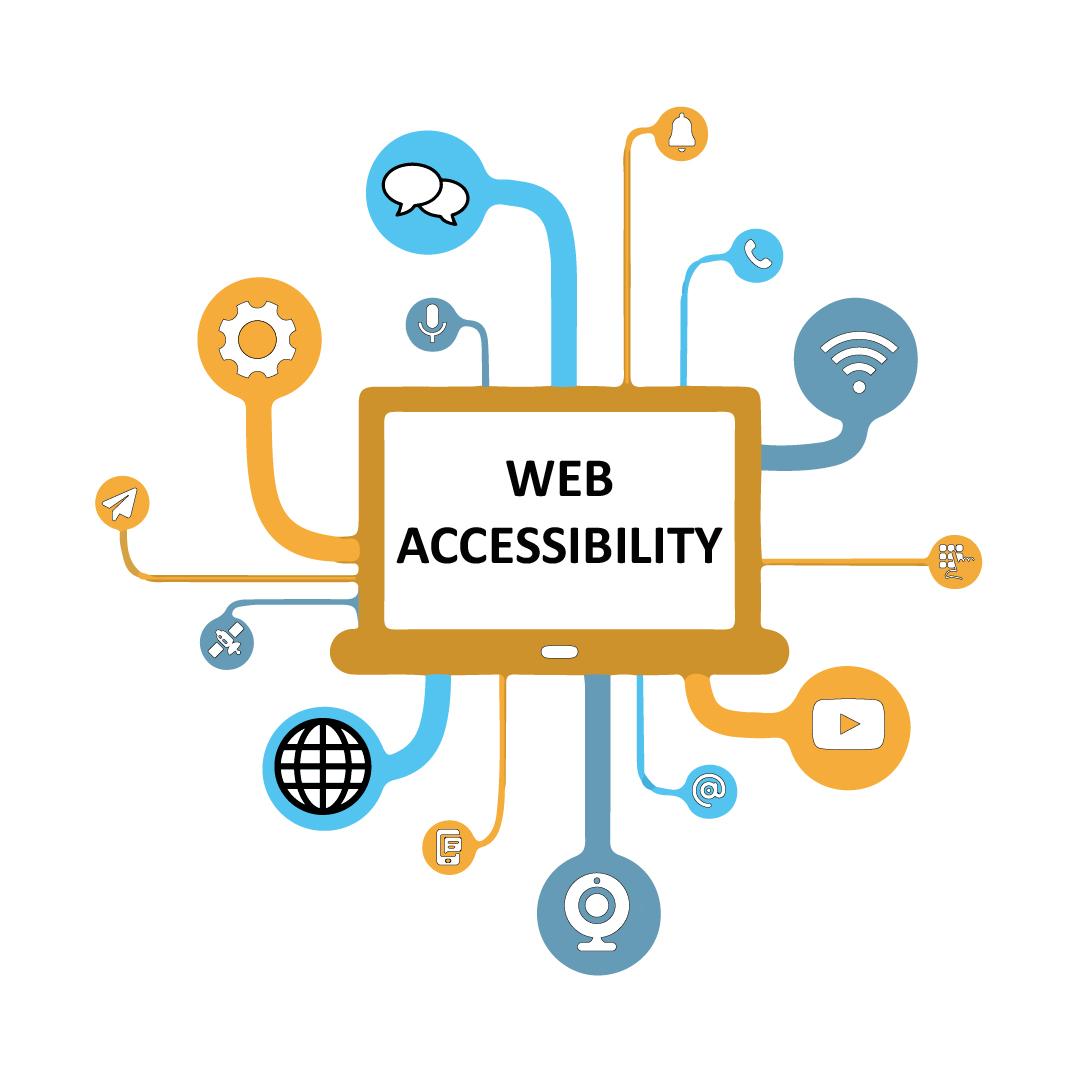
Navigating the Legal Landscape: Your Guide to Compliance and Standards
###
Navigating the legal landscape of web accessibility can initially seem daunting. Nonetheless, understanding its intricacies is crucial for ensuring both compliance and inclusivity. Web Content Accessibility Guidelines ([WCAG](https://www.w3.org/WAI/standards-guidelines/wcag/)) are your primary reference point, setting the framework for what makes a digital platform accessible. Notably, these guidelines emphasize *perceivable*, *operable*, *understandable*, and *robust* principles that you must incorporate into your site design. By breaking down each standard, you can create a more inclusive space that accommodates people with various disabilities.
Consider this practical example when applying WCAG standards: **Text Alternatives**. Providing text alternatives for non-text content allows visually impaired users to understand the content through alternative formats like screen readers. This approach also aids in improving SEO performance. In one recent project, I employed this by using meaningful ALT text for images describing not just what’s seen but its purpose within the content context—a technique proven effective not just by my observation but supported by accessibility experts.
### Step-by-Step Implementation Framework
1. **Conduct an Accessibility Audit**:
– Start with automated tools like [WAVE](https://wave.webaim.org/) to identify obvious shortcomings.
– Follow up with manual testing—particularly keyboard-only navigation checks—to capture subtler issues overlooked by machines.
2. **Update Your Design Practices**:
– Focus on color contrast and text size options under WCAG 2.1 guidelines to assist users with visual impairments.
– Implement logical tab orders and descriptive link texts which are integral for keyboard-only navigation.
3. **Integrate ARIA (Accessible Rich Internet Applications)**:
- Use ARIA labels thoughtfully to enhance experience without misleading users, especially important when working with dynamic content or scripting.
Interestingly, according to ADA regulations, failing to comply not only puts businesses at risk of legal consequences but also potentially alienates a demographic of over 60 million Americans with varying disabilities. One quote sums it up perfectly: “Accessibility allows us to tap into everyone’s potential.” These measures aren’t only about avoiding pitfalls—embracing accessibility helps create equitable user experiences enhancing reputation and user trust.
having clear documentation of implemented changes plays a vital role should you need defending your web accessibility stance during legal challenges. In encountered scenarios where checks were constant but issues persisted due to complex CMS limitations, documenting efforts and adjustments was instrumental in showcasing due diligence.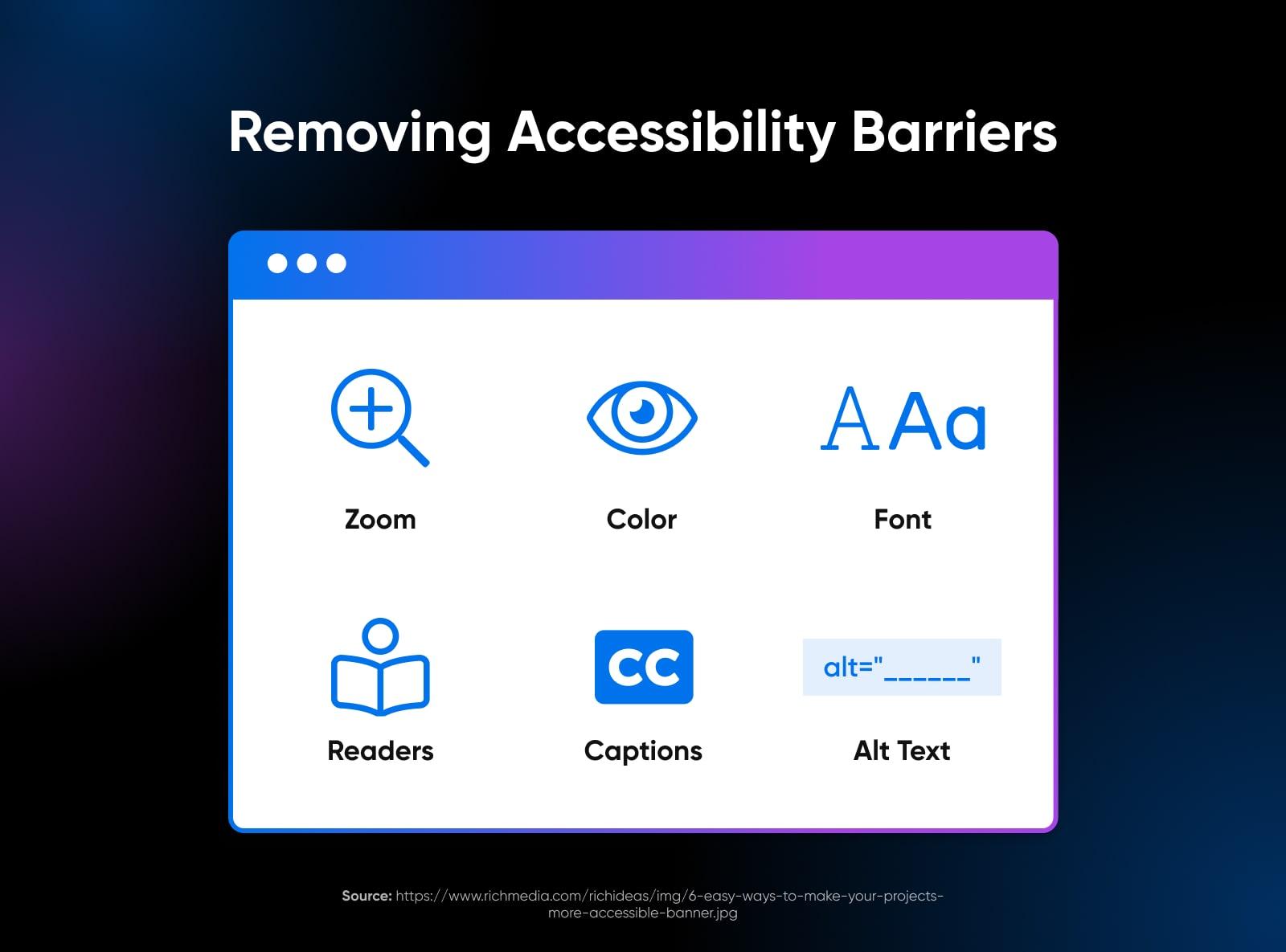
Tools of the Trade: Essential Tech and Software for Accessibility Audits
When tackling web accessibility audits, it’s crucial to arm yourself with the right technology and software. The tools you choose should enhance your ability to uncover barriers that prevent inclusivity. [WAVE](https://wave.webaim.org/), for example, is a comprehensive extension offering visual feedback about the accessibility of any web content. You might find its color-coded indicators particularly useful for spotting errors at a glance. However, while WAVE excels in identifying issues like contrast errors or missing alt text, it’s important to note that it shouldn’t be your only tool.
For more detailed insights, consider coupling WAVE with an automated tool like [axe DevTools](https://www.deque.com/axe/devtools/). I’ve successfully used axe in past projects to streamline diagnosing complex issues across extensive codebases. Its in-browser testing feature allows you to pinpoint violations directly related to the WCAG 2.1 guidelines. As Mary Szach states, “Accessibility isn’t a checklist; it’s a continuous commitment,” hence why automation tools paired with manual reviews for contextual comprehensibility are essential.
Prioritizing User Engagement for Real Insights
While automated tests offer speed and accuracy in some areas, engaging real users with disabilities provides insights no machine can replicate. Tools like [UserWay’s Accessibility Scanner](https://userway.org/products/scanner) open dialogue by enabling live user feedback integrated into the audit process itself. Setting up user testing on platforms such as this can significantly refine your understanding of practical navigation hurdles.
Interestingly, each accessibility challenge differs from another based on individual user needs. When organizing audits for clients in diverse sectors, incorporating customized user scenarios was particularly beneficial. This approach helps in prioritizing solutions that matter most to end users—a technique that has enriched many of my projects.
don’t overlook resources like [WCAG quick reference guides](https://www.w3.org/WAI/WCAG21/quickref/) which can keep you updated on evolving standards while also bringing theoretical aspects into the realm of practical application. By continuously refining these tools and techniques, you’re not only enhancing website usability but also championing digital equality globally.
Design with Everyone in Mind: Crafting User-Friendly Interfaces for All
###
In designing user-friendly interfaces, one must first acknowledge the diverse range of users that each platform serves. Personalized design that accommodates everyone is not a luxury—it’s a necessity. As technology continues to grow, so does the spectrum of those engaging with it. Inclusive design involves crafting adaptable interfaces that can be universally understood and easily navigated by people of all abilities and backgrounds.
#### Utilize Intuitive Navigation
Begin by considering intuitive [navigation](https://www.nngroup.com/articles/facilitating-navigation/) structures that are second nature to users without requiring extensive learning or memorization. The layout should include clear labels and menus with straightforward icons, guiding users effortlessly through your product. For instance, implementing breadcrumb trails on e-commerce sites helps users track their journey or return to previous pages swiftly; this practice greatly enhances user experience by diminishing potential confusion.
Moreover, employing responsive design ensures compatibility across various devices. Given that mobile browsing accounts for over half of global web traffic, a responsive site caters to both desktop and mobile users effectively. In one of my recent projects, incorporating scalable vector graphics (SVGs) was pivotal in maintaining clarity on all screen sizes, providing an optimized experience even on smaller devices.
#### Prioritize Accessibility Features
Equally important is integrating accessibility features such as keyboard navigation and screen reader support, which provide alternative means for interacting with content for those with disabilities. Implementing ARIA (Accessible Rich Internet Applications) labels can make dynamic content accessible—in particular scenarios such as live updates—by ensuring meaningful descriptions are available to assistive technologies.
A practical strategy involves conducting [usability testing](https://www.smashingmagazine.com/2018/06/building-better-ui-ux-usability-testing-tips/), including individuals with varied disabilities in your tests to gain authentic feedback on the usability issues they encounter. This feedback loop allows you to refine the design proactively. Reflecting on my past work, I found that early inclusion of accessibility-focused testing allowed us to identify potential hurdles before finalizing designs—a crucial step toward achieving true inclusivity.
Lastly, acknowledging the emotional aspect of user interaction can make a substantial difference. Quoting Don Norman’s insight emphasizes this point: “If we want users to like our software, we should design it to behave like a likable person: respectful, generous and helpful.” Bearing this ethos in mind will guide you towards crafting interfaces not only inclusive but also empathetically attuned to diverse human needs.
Content is King: Writing Accessible Content that Engages and Informs
### Crafting Engaging and Accessible Content
When creating accessible content, it’s crucial not only to make it easy for everyone to access but also engaging. Did you know that effective web content can significantly enhance the user experience by being inclusive? For instance, using clear and descriptive headings is a key strategy in enhancing accessibility. According to the [W3C Web Accessibility Initiative](https://www.w3.org/WAI/tips/writing/), headings should convey rich meaning and structure. This way, screen readers can better navigate through your content, offering users with visual impairments an improved experience.
#### Practical Techniques for Writing Accessible Content
To create text that informs while engaging diverse audiences, aim for simplicity without sacrificing depth. For example, I once adapted our project guidelines by employing plain language principles in written communications—breaking complex jargon into straightforward terms for specialists and laypersons alike. As recommended by [Northwestern University’s Accessibility Tips](https://www.northwestern.edu/accessibility/digital-accessibility/creating-content/web-accessibility/accessible-web-content/writing.html), concise language not only aids understanding but also supports mobile device readability.
Moreover, consider thoughtfully using bulleted or numbered lists to highlight key points. This approach benefits all users by structuring information in an easily digestible format. In my past projects, I’ve found this technique particularly useful when summarizing lengthy reports; it breaks down data into manageable pieces. Additionally, always ensure that link text is meaningful—such as “learn more about accessible writing”—so even when read out of context, these links provide clear information about their destination.
#### Balancing Information with Engagement
Interestingly, crafting stories within your factual content can captivate readers while conveying essential information. Think of each piece of content as a narrative rather than a mere list of facts. A quote from renowned writer David Ogilvy rings true: “If you’re trying to persuade people to do something, or buy something, it seems to me you should use their language.” Thus, make relatable analogies or infuse storytelling elements that resonate emotionally with your audience.
Lastly, consistently test your content’s readability using tools like Hemingway Editor or the Flesch-Kincaid score to determine if it meets diverse needs. The [University of Bristol](https://www.bristol.ac.uk/style-guides/writing/inclusive/accessibility-readability/) suggests targeting a reading level appropriate for your specific audience—a pointer that has significantly honed my approach in ensuring clarity and comprehension across various digital platforms.
By considering these techniques and continuously seeking feedback from real-world user testing sessions—elements I’ve regularly incorporated—we can truly embody the concept that ‘Content is King’, where both accessibility and engagement reign supreme.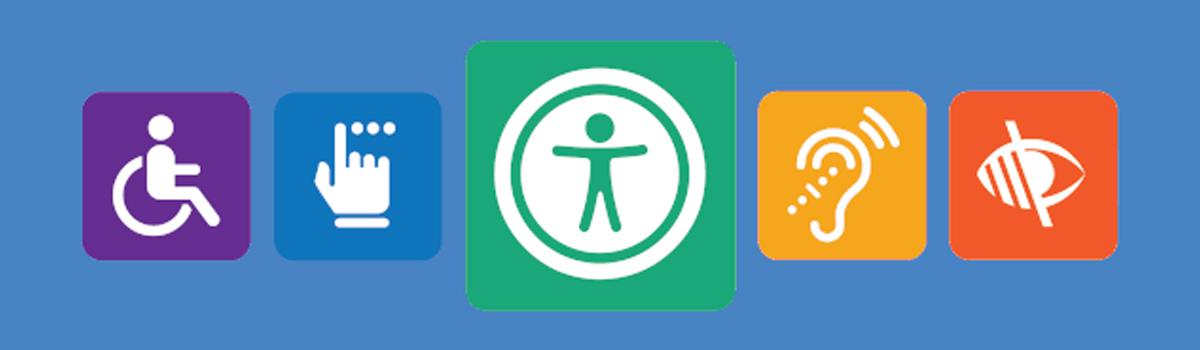
Accessibility on a Budget: Cost-Effective Solutions for Small Businesses
###
Navigating the realm of web accessibility might seem daunting, especially when budget constraints loom large. However, implementing effective solutions doesn’t have to break the bank. Let’s explore some cost-effective strategies that can elevate your website’s accessibility without significant financial outlay.
#### Start Small with Keyboard Navigation
Keyboard navigation is a critical aspect of web accessibility, often overshadowed by flashier enhancements. For many users with disabilities, navigating solely with a keyboard is essential. Therefore, ensure your entire website can be accessed and navigated via keyboard alone. Begin by reviewing your site’s current keyboard interactivity using tools like [WebAIM’s WAVE](https://webaim.org/resources/wave/) or Google’s Lighthouse report. Observe elements such as menus and form fields, ensuring they follow a logical tab order. Remember, testing doesn’t require sophisticated equipment—simply unplug your mouse and try navigating your site! This technique has been invaluable in several past projects I’ve managed, providing immediate insights into accessibility gaps.
#### Embrace Accessible Content Creation
Creating accessible content is equally important and can be achieved on a budget by consciously structuring your information. Use semantic HTML tags such as `

